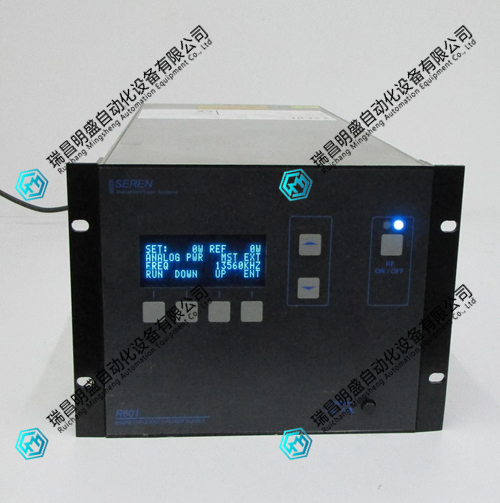
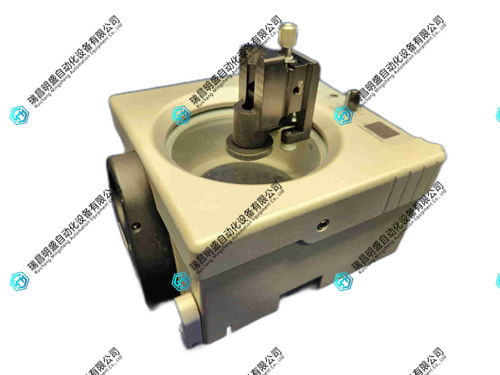
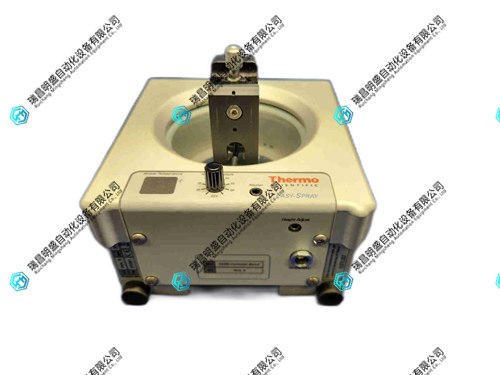


1.产 品 资 料 介 绍:
ES081液晶显示器 英文资料:
Handle and install with care to avoid collisions, falls, or severe vibrations, and to prevent damage to internal components.
Ensure that the monitor is placed in a stable, dry, and well ventilated location, away from heat and water sources.
Before use, check if the power supply voltage matches the rated voltage of the monitor to avoid using inferior or damaged power cords.
When connecting power and other devices, it is necessary to do so in a power-off state, ensuring that the plug is securely plugged in to avoid damaging the interface with excessive force.
Avoid touching the screen with sharp objects to prevent scratching.
When cleaning the screen, turn off the power first and gently wipe it with a soft dry cloth or specialized cleaning agent. Do not directly sprinkle water on the screen.
Do not apply pressure to the screen surface during operation to avoid abnormal display or damage to the screen.
When the monitor is working, do not block the heat dissipation holes to avoid affecting heat dissipation and causing overheating.
When not in use for a long time, it is recommended to turn off the monitor power to avoid displaying fixed images for a long time, in order to prevent screen aging or screen burn-in.
Avoid exposing the monitor to direct sunlight or strong light to prevent UV damage to the screen.
Pay attention to maintaining the humidity of the usage environment between 30% and 80% to prevent condensation inside the monitor from causing short circuits.
Do not disassemble the monitor by yourself, even if it is turned off for a long time, there may still be high pressure inside to avoid danger.
If you need to move the monitor, unplug all connection cables first, and make sure to connect correctly when reconnecting after moving.
Regularly check the connection wires of the monitor for any damage, looseness, etc., and replace or handle them promptly if there are any problems.
When adjusting the resolution and refresh rate of the monitor, it should be set according to the specifications and recommended values of the monitor to avoid display abnormalities caused by improper settings.
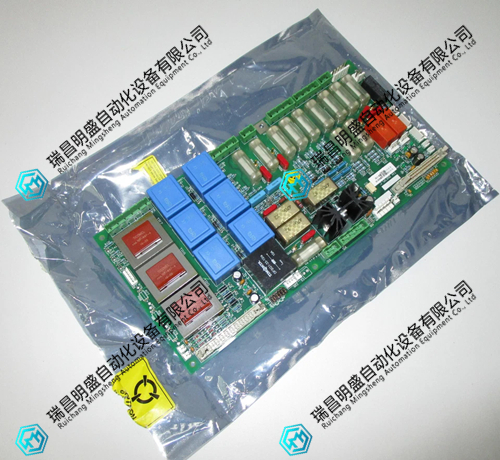
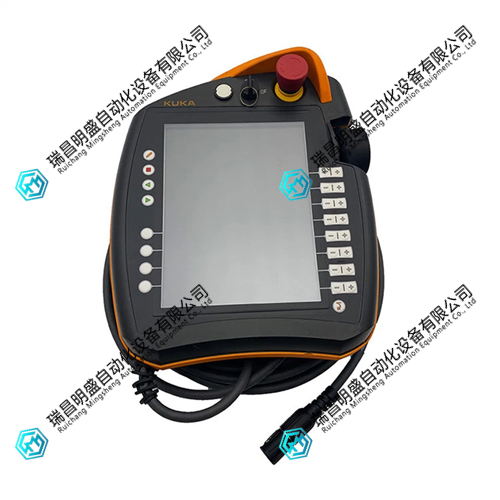
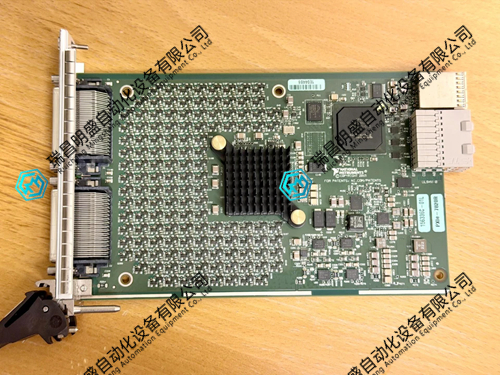
ES081液晶显示器 产品展示
产品视频
3.其他产品
FOXBORO FBM223 P0917HDI/o模块
HITACHI LYT000A控制模块
HITACHI LUD700APLC模块
4.其他英文产品
UDC920BE 3BHE034863R0001 Logic input module
UFC921A101 3BHE024855R0101 3BHE024856P201 module
UNC4672A V1 HIEE205012R1 HI220957-31239 module
| PMB33C-20114-03 | FLEXIBLE 353-0496G | 57160001-HA DSDO 160 |
| PMB33C-20114-02 | AMAT 0100-01352 | N34HRFL-LNK-NS-00 |
| PMB33C-20114-01 | ROBOTICS 3HAB 109341 EMC-MCS-0005-04 RACK W/ MODU | N32HLHJ-LNK-NS-01 |
| PMB33C-20114-00 | GJR5251400R0101 | PFTL101BE 2.0KN 3BSE004214R1 |
| PMB33C-20101-03 | AOT150 | N31HRLG-LNK-NS-00 |
| PMB33C-20101-02 | AMAT 0100-01976 | N43HRFN-LNK-NS-00 |
| PMB33C-20101-01 | NTRL02A | PFCL301E 0.2KN 3BSE016580R200 |
| PMB33C-20101-00 | NTCS02 | PFRL 101A |
| PMB33C-20100-03 | NKTU013 | P21NRXC-LNN-NS-00 |
The content is from Ruichang Mingsheng Automation Equipment Co., LTD
Contact: +86 15270269218